Programmatic: WTF Is Browser Fingerprinting?
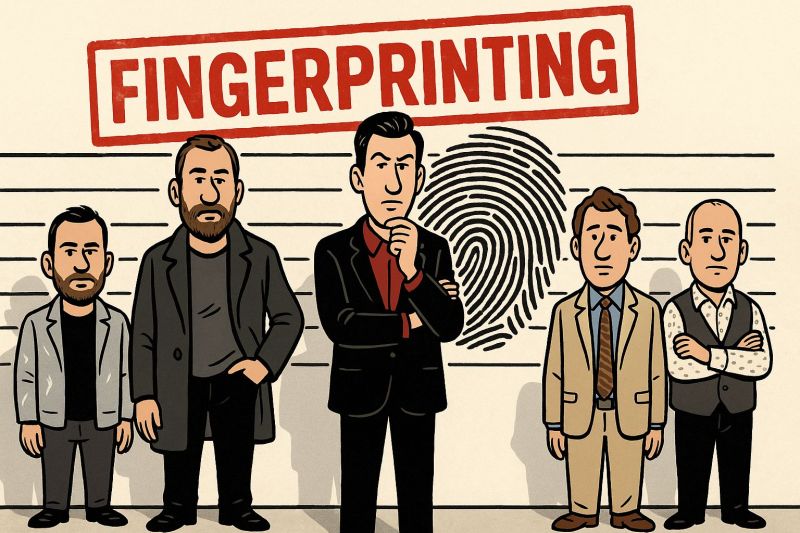
The other day, I was talking to an advertiser about fingerprinting. Their reaction? “The finger-what?” 😄 Fair question. Because this technology can recognise a browser even after you have deleted your cookies.
- What is browser fingerprinting?
- Which signals make up a fingerprint?
- The experiment: can you shake off your fingerprint?
- Fingerprinting versus cookies and deterministic IDs
- Consent, privacy and the French regulatory context
- What fingerprinting cannot reliably do
- What it means for programmatic advertising
- The real takeaway
1. What is browser fingerprinting?
Browser fingerprinting is a technique for recognising a browser or device by combining information about its configuration and behaviour. Rather than storing an identifier in a cookie, a service observes multiple characteristics and uses them to calculate or infer a fingerprint.
Think of it as a digital silhouette. Screen resolution alone tells you very little. A time zone alone tells you very little. But combine many signals, and the resulting pattern can become distinctive enough to link visits together (the level of uniqueness depends on the browser, device, signals and population being compared).
Fingerprinting may use statistical matching or more elaborate recognition methods. It should not automatically be described as a perfectly unique or permanent identifier of a human being.
2. Which signals can contribute to a fingerprint?
Here are some of the characteristics mentioned in our original experiment, plus a little context on what each can reveal:
| Signal | What it may reveal | Important nuance |
|---|---|---|
| Screen resolution | Display size and configuration | Many people share the same values |
| Installed fonts | Software and system configuration | Availability varies with browser protections |
| Browser plugins and capabilities | Browser environment | Modern browsers restrict some older plugin interfaces |
| Graphics and rendering signals | Differences in GPU, drivers and rendering | Not a direct, guaranteed hardware serial number |
| Time zone and language | Regional settings | Useful in combination, weak individually |
| IP address | Network-level information | Can change or be shared; not necessarily part of a browser-only fingerprint |
| Device model or mobile network signals | Device/network characteristics where exposed | Availability depends on OS, browser and app permissions |
Some fingerprinting systems also analyse canvas or audio rendering and browser feature support. The precise inputs are vendor-specific, and browsers increasingly reduce the information they expose.
3. Our experiment: delete cookies, change IP… and see what happens
Want to see why fingerprinting fascinates—and worries—advertisers? Try a simple demonstration on Fingerprint.com, which offers a browser-recognition demo.
- Open the demo and observe the identifier or recognition result displayed.
- Clear your cookies, cache and browsing history, then revisit.
- Try a different network or VPN and compare the result.
- Repeat with another browser or stronger anti-fingerprinting settings.
In our tests, clearing browser storage and changing the apparent IP address did not necessarily stop the demo from recognising the environment. Switching to Firefox with stricter protections changed the outcome for us—but also caused compatibility problems on some websites. 😅
One crucial caveat: this is an anecdotal demonstration, not an independent benchmark. Results vary by device, browser version, protection settings, vendor and time. A commercial demo does not prove that every ad-tech provider can achieve the same recognition accuracy.
4. Fingerprinting versus cookies: what actually changes?
A traditional advertising cookie stores an identifier in the browser. Fingerprinting instead infers an identifier from characteristics of the environment. Both can potentially be used to link visits, but they have different technical limitations and user controls.
| Approach | How recognition works | Main limitation |
|---|---|---|
| Cookie-based ID | Reads a stored browser identifier | Deletion, blocking, expiry and browser restrictions |
| Browser fingerprint | Combines device/browser signals | Instability, collisions and anti-fingerprinting protections |
| Deterministic login-based ID | Uses authenticated or otherwise verified account signals | Requires a lawful identity relationship and appropriate permissions |
Fingerprinting is therefore not simply “a better cookie.” It may be harder for users to notice or reset, which is exactly why regulators scrutinise it.
5. Is fingerprinting legal in France and Europe?
In the French and European context, fingerprinting used to recognise or track users for advertising purposes generally raises consent requirements under the rules governing access to, or information from, users’ devices, alongside GDPR obligations where personal data is processed. The precise legal assessment depends on the implementation and purpose (strictly necessary security or fraud-prevention uses may be treated differently from advertising profiling).
In other words, “cookieless” does not mean “consentless.” Removing cookies does not magically remove privacy obligations.
Nor is a robots.txt file a consent mechanism for fingerprinting. Our article on robots.txt and AI crawlers explains that very different protocol.
6. Three limits that matter in practice
First, recognition is not certainty. Devices can share similar configurations, and software updates or browser protections can alter the fingerprint. That creates potential false matches and missed matches.
Second, cross-device identification is limited. A browser fingerprint is tied primarily to a particular browsing environment; it does not inherently prove that a laptop and smartphone belong to the same person. Linking them typically requires additional signals or methods.
Third, not all vendors are equal. The sophistication, data access, infrastructure and accuracy of fingerprinting systems vary. We should not assume that an ID offered for programmatic activation performs like a specialist demonstration tool.
7. What does fingerprinting mean for programmatic advertising?
As browsers restrict third-party cookies, the industry is looking for ways to preserve useful measurement and audience activation. Fingerprinting may appear attractive because it does not depend on storing a conventional cookie. But that appeal comes with legal, ethical and technical trade-offs.
For Media Traders, the better questions are: Where does the identifier come from? What is the lawful basis for its use? How is accuracy validated? Can users exercise meaningful control? And how does it perform across browsers?
Our earlier discussion of reaching Safari inventory explores why the cookieless challenge is broader than a single replacement ID. And our article on first-party and 1.5-party data examines another way to expand relevant audiences through publisher and retailer relationships.
Here in France, we believe the quality Open Web deserves targeting solutions that are effective and transparent—not shortcuts that undermine user trust.
8. The takeaway: impressive technology, legitimate questions
Fingerprinting is technically impressive. A browser can sometimes be recognised after cookies are deleted or an IP address changes. But it is not a magic, universally reliable identity layer—and advertising use cannot be separated from privacy requirements.
At GreyFox Ads, we help international Media Traders activate high-quality French Open Web inventory through our Master Curated Deal, combining smart targeting, clean supply paths and transparent execution.
Because a more effective Open Web should not require a less trustworthy one. 🦊
Activate the quality French Open Web
Looking for a transparent, efficient programmatic partner for your campaigns in France? Discover GreyFox Ads and our Master Deal.
Contact GreyFox Ads